Instead of Notion
Docs, and collections
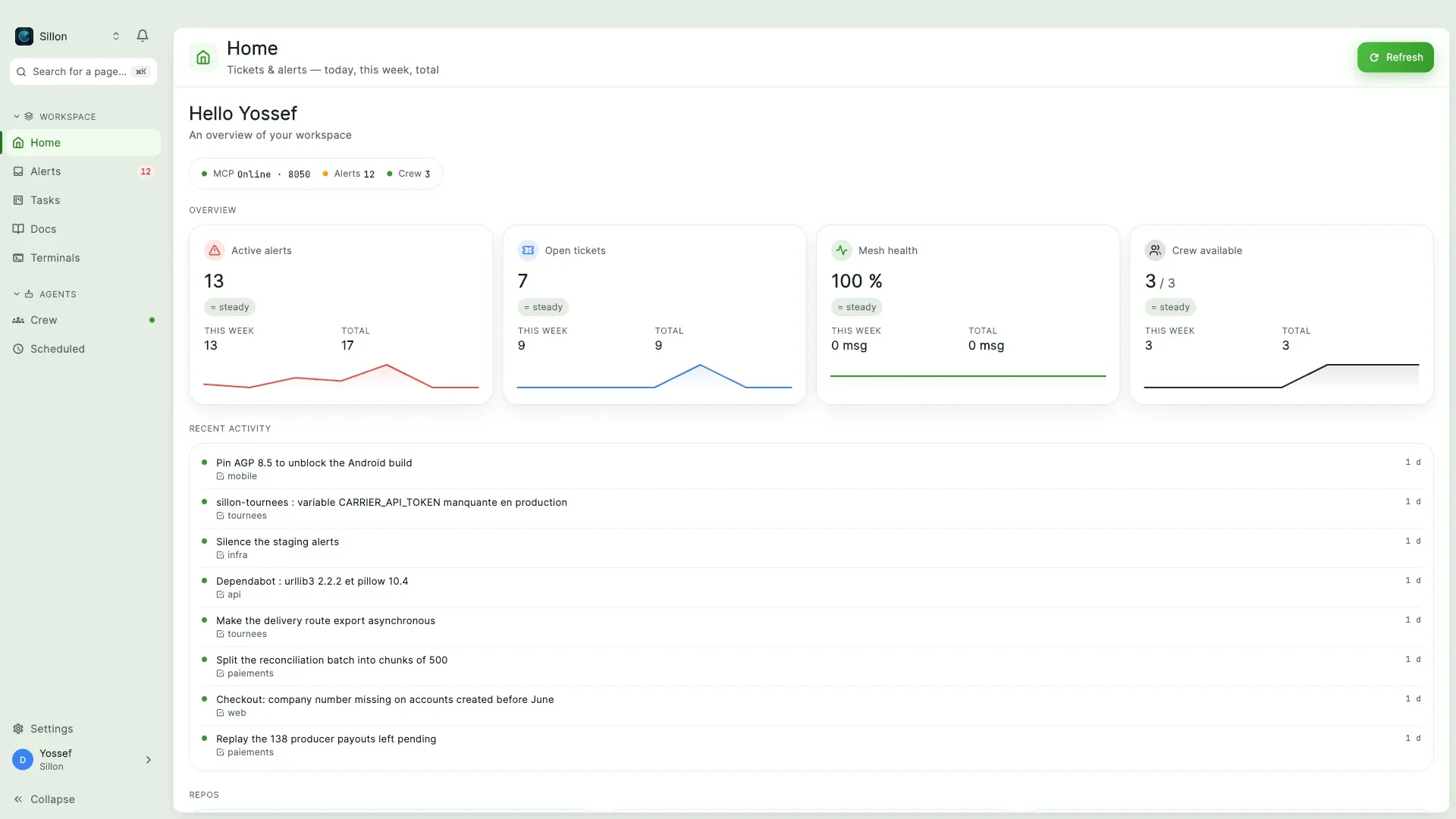
A real block editor, and collections with 17 column types and 7 views.
Notion cannot see your production.
One native app, and a coding agent that reaches all three through 73 MCP tools.
macOS · Windows · Android
Your coding agent works on the same data.
It reads the repo: your modules, your conventions, your tests. Ask it why that error showed up, who reported it and what you had decided. It knows nothing.
The spec lives in Notion, the ticket in Linear, the CI run in GitHub, the deploy in Railway, the error in Sentry. Three families of tools, three data models, and nothing tying this morning's error to a decision made three weeks ago.
So you do the join by hand. You open the tabs, copy the error, paste the ticket, summarise the spec, paste it all back into the conversation. You have become the integration layer between your tools and your agent, and you rewrite it with every question.
What it sees
The repo.
What it cannot see
Between the two columns, there is you, and your clipboard.
Sources
alert sources
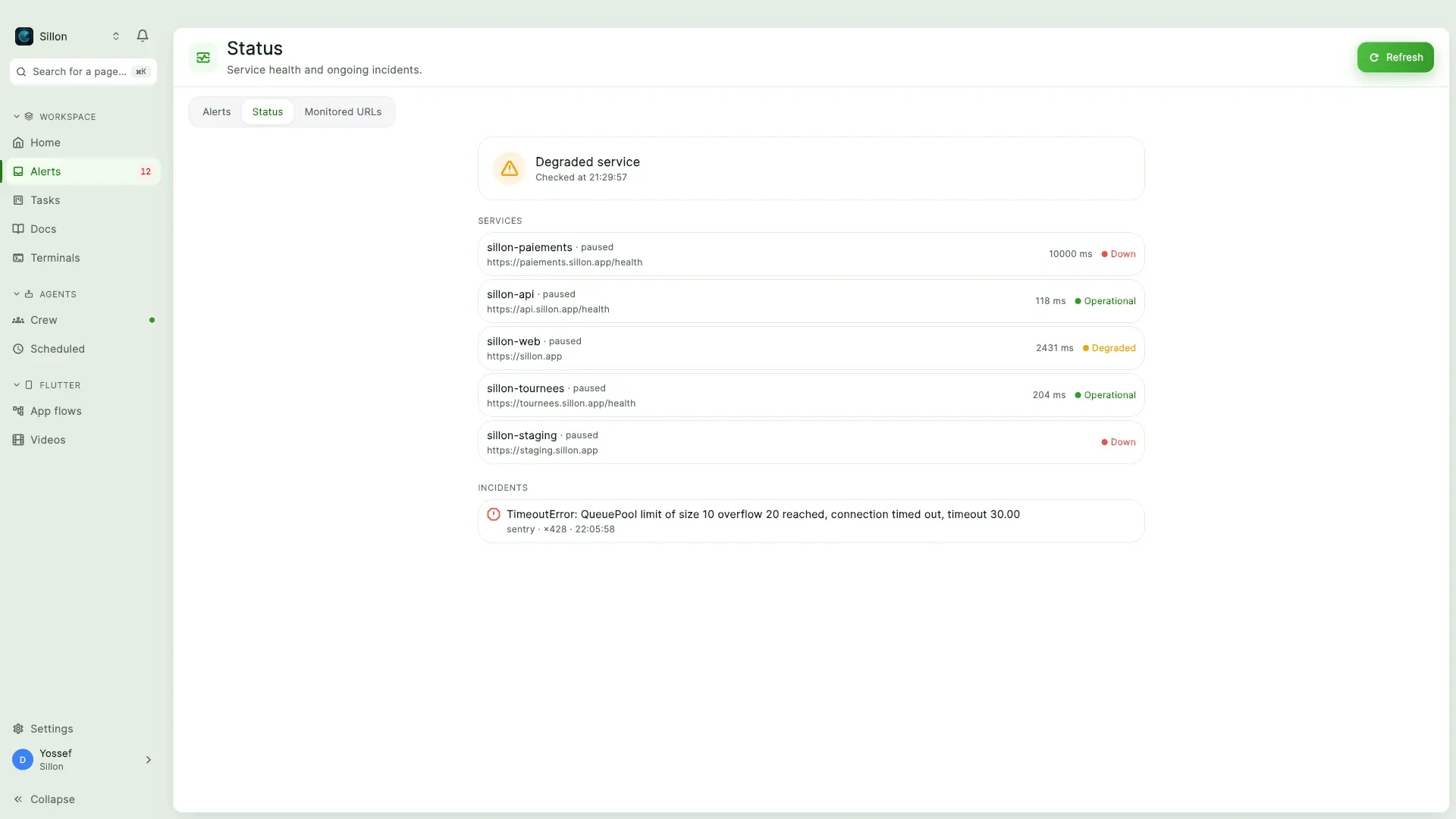
Uptime is built in: Matcha pings your URLs, opens the alert, and closes it on recovery.
What it replaces
Not a bridge between tools, and not a dashboard reading them from afar. Docs, tickets and alerts are native here, in one database.
Instead of Notion
A real block editor, and collections with 17 column types and 7 views.
Notion cannot see your production.
Instead of Linear or Jira
Priorities, dependencies, dates, and a full page behind any ticket. An alert rule can open it for you, with its priority and project prefilled.
Linear cannot hold the runbook, or the alert behind the ticket.
Instead of a monitoring dashboard
44 sources, deduplicated on arrival and correlated across tools. Rules re-route, mute, or open a ticket.
A dashboard cannot hold the board and the docs next to the incident.
Each one is good at its own part. Wiring them together with webhooks gives you databases that send each other messages, not one database where an agent correlates an error, a deploy, a ticket and a spec in a single query. None hands a coding agent a single set of tools covering all three.
GitHub, Railway, Sentry, 44 sources in all, or a plain webhook. Duplicates collapse on arrival.
The alert becomes a ticket, the ticket carries its own page, the page links back to both.
Your agent gets the same 73 tools your team uses, scoped to your company.
Inside
The first group comes with every seat. The other two need something on your own machine.
Everyone · nothing to install
44 sources in one feed, deduplicated and correlated. Rules, escalation, SLA, daily digest, a public status page, and uptime checks that open and close the alert.
Priorities, projects, assignment, checklists, dependencies, dates. Any ticket opens a full page, and points at the alert behind it.
Versions, backlinks, templates, per-page permissions, live co-editing, and a Notion importer. Mermaid is drawn by the app itself.
17 column types, 7 views. A formula is checked server-side for syntax, references and cycles, then recomputed on display.
Real shells in the app, driven by hand or by an agent. Every command is a block, and sharing one redacts the secrets.
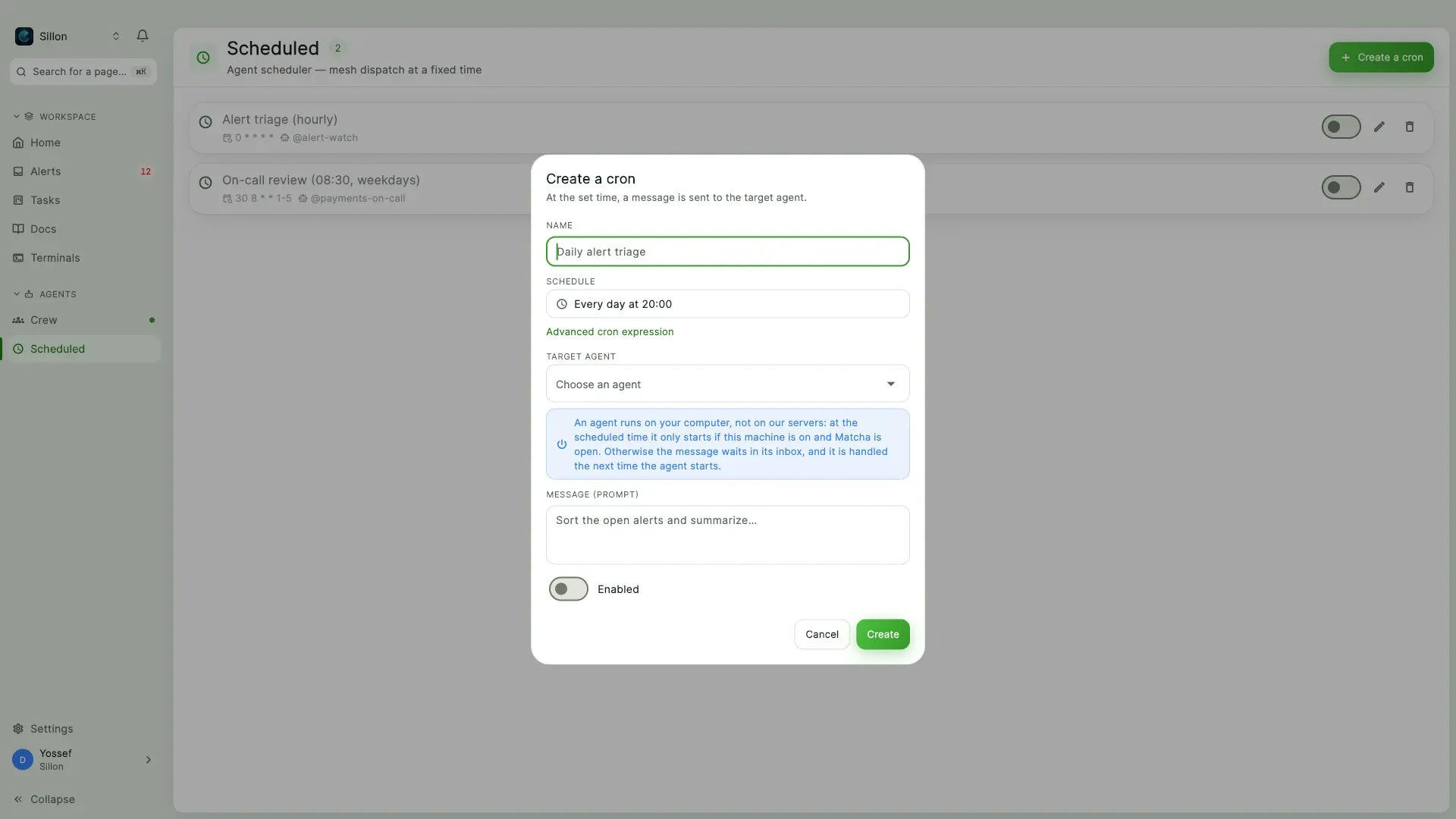
A schedule drops a prompt into one of your agents' inboxes. Nothing is launched: the agent picks it up when it next wakes, so a closed laptop loses nothing.
A module · installed per company
Replay your app's journeys with Maestro and capture every screen, run after run. Maestro runs on your machine.
The team's library: promos, walkthroughs, App Previews. Rendering runs on one of your Macs, not on a server you pay for.
A tool or a model you bring
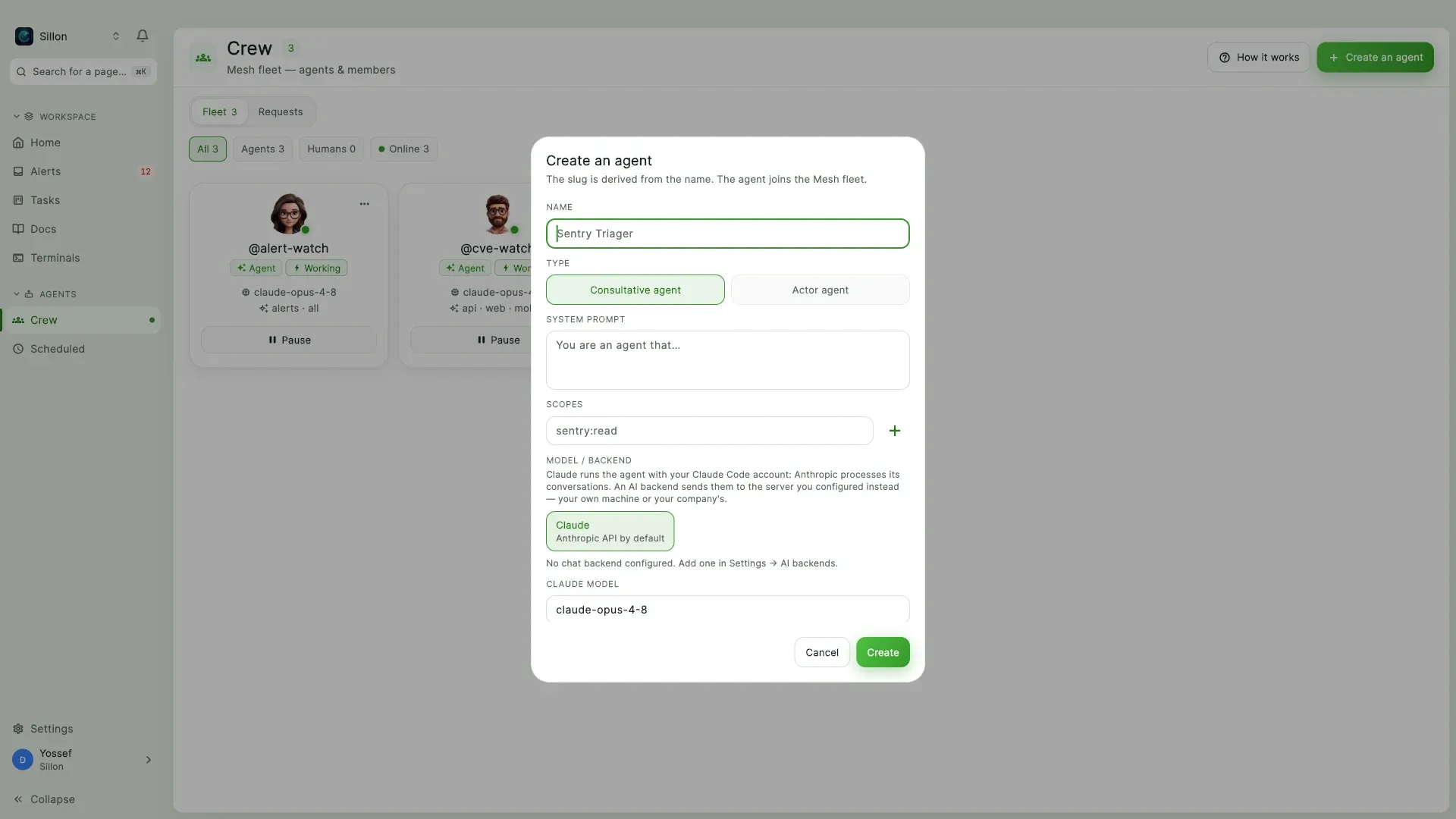
A crew of Claude Code sessions on your own machine, with a confined identity and a human checkpoint before anything that matters.
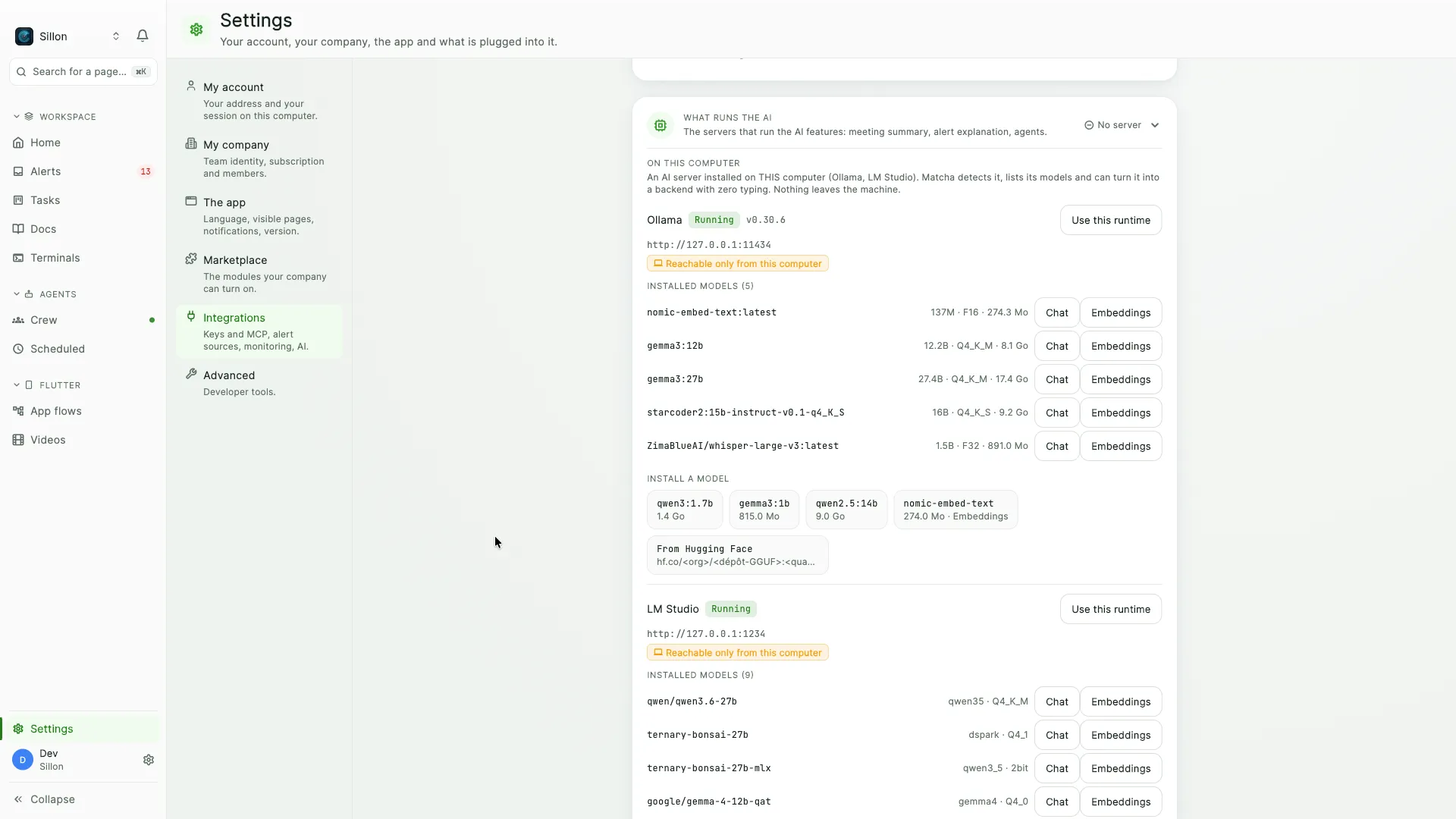
Record, transcribe and summarise against the AI backend you point at. The summary lands as a Docs page.
Point at a model and Matcha explains an alert in a few lines. Point at an embeddings model and Docs search goes hybrid.
Native core
Compiled into the app. No sidecar, no server, no network call.
Command blocks need zsh or PowerShell. Under bash the terminal works, without the blocks.
MCP
Streamable HTTP, the same authentication as the API, scoped to your company.
Alerts
Board
Docs
Agents & ops
Used by
Matcha began as Despii's internal ops hub. Ganeden builds and runs it; these four teams live in it.
The backend hands an agent its instructions, its keys and the tools it may use, then stops. The process starts on your desk.
Runs on your machine
Stays in Matcha's backend
An agent can run against a model you host, as long as the endpoint speaks the Anthropic Messages API Claude Code already uses.
The agent signs in with your own Claude Code account, so inference stays on your plan. We charge per seat, never for tokens.
Pricing
Prices exclude tax. Billing opens at public launch; early access is free until then.
Free
$0
one seat
Pro
$12
per seat / month
Most complete
Team
$20
per seat / month
Enterprise
Let's talk
custom terms
Questions
The protocol your agent already speaks. Matcha exposes 73 tools on it, same authentication as the API.
For the agent crew, yes: Matcha launches yours, on your machine. The rest works without it.
A schedule drops a message, it does not launch an agent. The inbox is the queue: the run waits and happens once.
For alerts, yes. For metrics, no: Matcha collects what your tools judged worth a wake-up.
Access opens in batches, macOS first, Windows and Android next. The invite carries the download.
Early access
Invites go out in batches. Leave an address for the next one.
One address, one purpose. No tracker.